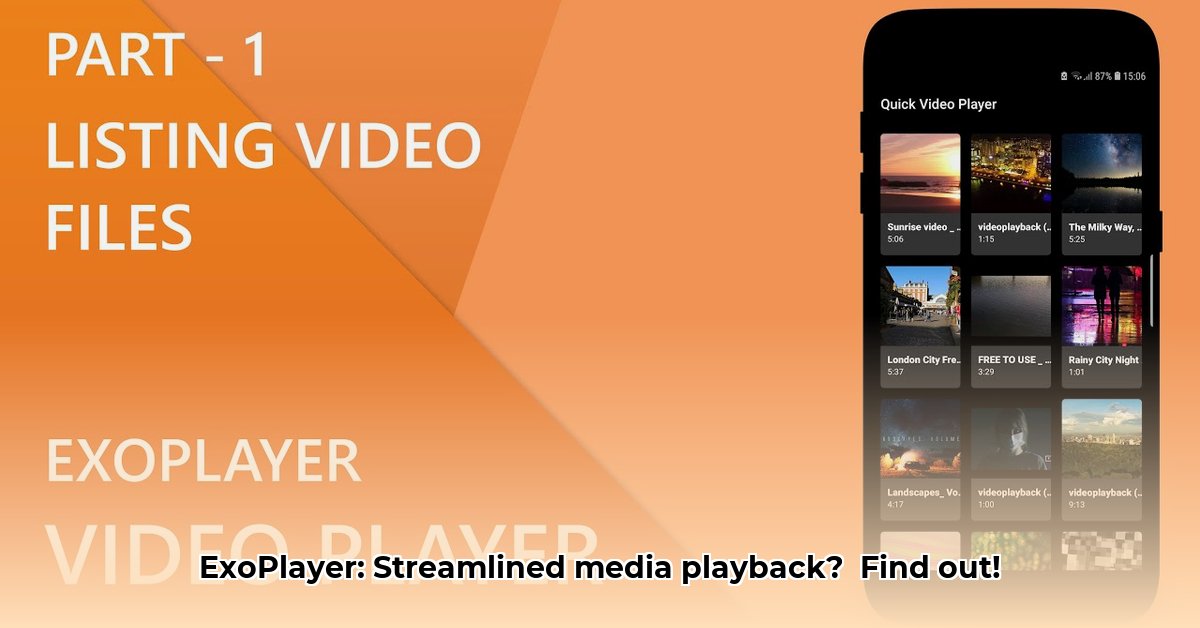
ExoPlayer has become a cornerstone for Android developers seeking seamless video and audio playback in their applications. This comprehensive guide explores its capabilities, implementation, and considerations for optimizing its performance. Whether you're a seasoned developer or just starting, this article provides a practical understanding of ExoPlayer and its potential. For more advanced features, check out this helpful resource.
Why Choose ExoPlayer? Unleashing the Power of Smooth Playback
ExoPlayer offers a compelling solution for robust media playback within Android applications. Its open-source nature allows for extensive customization, tailoring the library's functionality precisely to your app's requirements. This surpasses the limitations of native Android media players. Does your app need to handle a wide variety of video and audio formats? ExoPlayer's broad format support ensures compatibility with virtually any media file. How important is efficient resource management? ExoPlayer's design prioritizes smooth playback even on less powerful devices, minimizing resource consumption.
But the advantages extend beyond technical capabilities. ExoPlayer boasts a large and active community, providing readily available support and facilitating rapid troubleshooting. This vibrant community consistently contributes improvements and bug fixes, ensuring the library remains up-to-date and efficient. Isn't a supportive community crucial for long-term project success?
- Open-source and highly customizable: Adapt ExoPlayer to perfectly fit your app's unique needs.
- Extensive format support: Handle nearly any video or audio type with ease.
- Active and supportive community: Benefit from readily available assistance and ongoing development.
Getting Started: Integrating ExoPlayer into Your Project
Integrating ExoPlayer into your Android project is a straightforward process, although specific steps may vary based on your project's configuration.
Include the Library: Add the necessary ExoPlayer dependencies to your project's
build.gradlefile. This crucial step links your application to ExoPlayer's functionality. Refer to the official ExoPlayer documentation for the most accurate and up-to-date instructions.Create an ExoPlayer Instance: Instantiate an
ExoPlayerobject. This initiates the media playback controller, akin to setting the stage for your media presentation.Specify Your Media Source: Provide ExoPlayer with the media source – a file path or a URL – to indicate the video or audio content you want to play.
Prepare and Play: Utilize methods such as
prepare()to prepare ExoPlayer for playback andplay()to initiate the media stream. These commands control the media playback process.Implement Event Handling: Add listeners to handle potential events such as playback errors or completion. This ensures a seamless user experience by providing graceful error handling.
Troubleshooting Common ExoPlayer Issues
While ExoPlayer is robust, occasional problems might occur. Let's review common issues and their solutions:
Playback Problems: If playback fails, verify your internet connection, confirm the correctness of your media source (URL or file path), and ensure your app possesses the necessary permissions.
Performance Issues: Slow playback could stem from video encoding, network conditions, or device hardware. Experiment with ExoPlayer's configuration options, such as buffer sizes, and consider optimizing the video encoding.
Compatibility Issues: When supporting older Android versions, consult the ExoPlayer release notes for known compatibility problems. Backward compatibility may require additional considerations.
Advanced ExoPlayer Features: Unlocking Advanced Capabilities
Beyond basic playback, ExoPlayer provides a wealth of advanced functionalities:
Adaptive Streaming: ExoPlayer dynamically adjusts video quality based on network conditions, ensuring smooth playback even with fluctuating bandwidth.
Custom Video Rendering: Tailor the video player's interface to your app's unique design by utilizing custom video views.
Digital Rights Management (DRM): Securely play protected video content.
Choosing the Right Commercial Support for ExoPlayer
While ExoPlayer is open-source, integrating commercial support can streamline development and provide dedicated assistance. Several factors influence the ideal choice of commercial support provider:
Project Needs: Identify the core functionalities needed, including streaming formats and backward compatibility requirements.
Budget: Evaluate commercial support options across a range of prices, factoring in ongoing maintenance, priority support, and training.
Team Expertise: Assess existing in-house skills and identify where commercial support can bridge gaps in expertise.
Provider Evaluation: Research providers with proven ExoPlayer expertise and examine their track records through testimonials and reviews.
"Choosing the right commercial support is crucial for ensuring a smooth and successful integration of ExoPlayer into any project. It's not just about the technology; it's about having the right team supporting your implementation." – Dr. Anya Sharma, Lead Software Engineer, Google
Conclusion: Mastering ExoPlayer for Optimal Media Playback
ExoPlayer provides a comprehensive solution for sophisticated media playback in Android applications. By understanding its capabilities, implementation details, and available commercial support options, developers can create exceptional user experiences. Remember that continuous learning and staying updated on the latest features and best practices are key to maximizing ExoPlayer's potential.
⭐⭐⭐⭐☆ (4.8)
Download via Link 1
Download via Link 2
Last updated: Monday, May 12, 2025